Coming to Duck Race Derby
Hosted duck races for your whole crowd
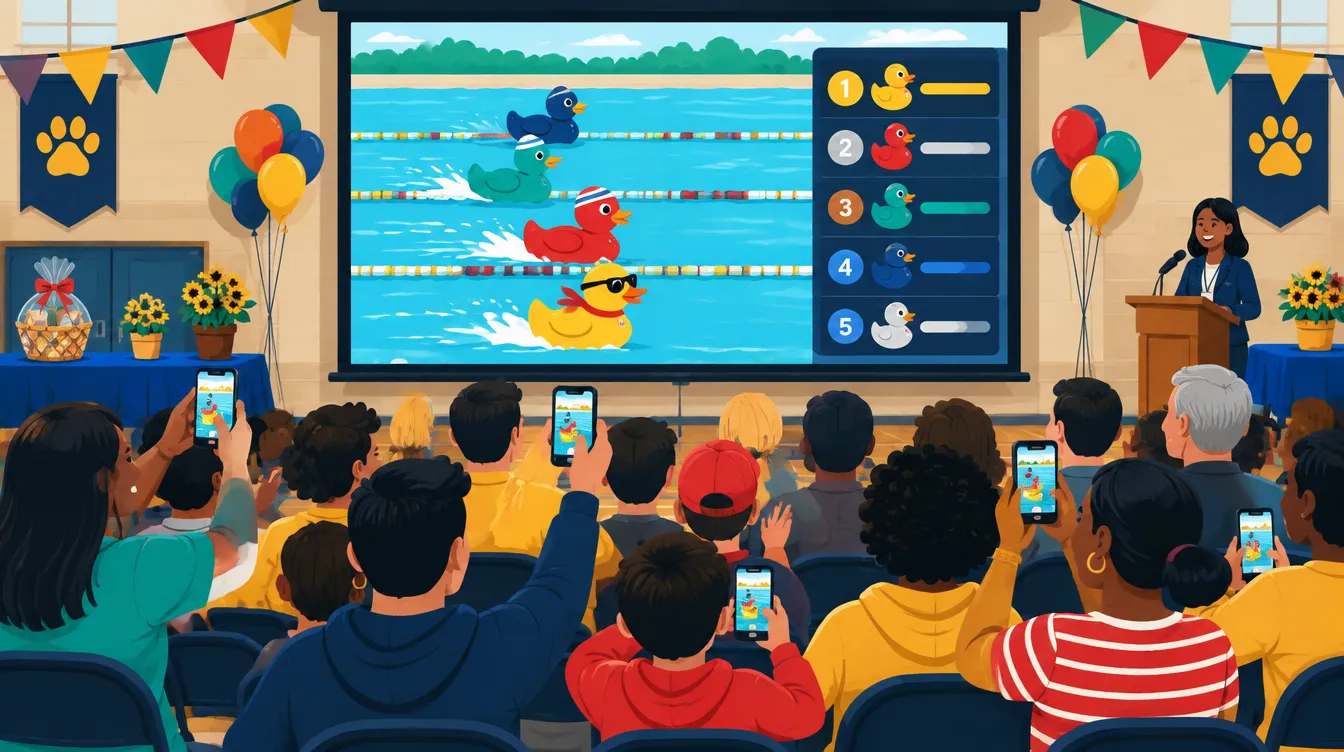
One race on the big screen. The same race on every phone in the room. Hosted events will let a school, club, or charity run a branded derby that the audience can follow from their seats, with heats, a final, and a results page to share afterward.
Hosted events are not available yet. The free public race on the homepage works today for any group, and the list below is how we decide when to open hosted events and how large they can be.
What an organizer will be able to do
The hosted workflow is designed and its data model is built into the same race engine that runs the public game. Here is the order it will run in.
Create the event
Name it, pick a course and race length, and save it as a draft you can edit until race day. Every saved change is kept as a version.
Import your entrants
Paste or upload the field. Public display names can differ from your private labels, so the screen shows "Duck 42, The Hendersons" while your sheet keeps the ticket details.
Add your branding
Your logo and colors on the course banner and the results page, previewed exactly as the audience will see them.
Share two links
An organizer link for your team and a read-only audience link for everyone else. Audience links need no account and can be revoked at any time.
Run heats and a final
Big fields race in heats with the advancement rule shown before the first start, for example "top 2 from each heat of 20 go to the final." Every phone shows the same race at the same moment, and anyone can pin their own duck and cheer.
Publish the results
Final standings for every heat become a shareable page, so the winner announcement can go in the newsletter the same night.
Why the hosted draw happens on our server
On the public game, the draw runs in the host's browser, which is fine for picking who presents first. When a whole audience is watching, the result has to be the same on every screen and settled before anyone sees a duck move.
For hosted events, the server draws the finishing order with a cryptographic random generator, records it permanently, and only then sends every device the race and a shared start time. A dropped connection or a double-tapped Start button cannot produce a second winner, and a canceled race cannot claim one. Read how fairness works on both versions.
What hosted events will not do
- Sell tickets or take payments
- Collect donations
- Manage prize claims
- Require your audience to make accounts
If your race is a paid raffle or a regulated prize draw, check the rules where you are before you run it. Duck Race Derby picks the duck; it doesn't run the raffle.
Questions organizers ask
When will hosted events open?
When the full workflow passes its fairness, reliability, and load tests. We have not set a date, and we will email confirmed subscribers when it is ready rather than guess one here.
What will it cost?
Pricing is not set. It will depend on event size and what it costs to run, which is one reason the form asks roughly how many people you expect.
Can I run a fundraiser duck race now?
Yes, with the public race. Put the ticket numbers or names in the lineup, show it fullscreen on a projector, and save the race file so you can reopen it. What you will not have yet is the audience phone link or heats.
What happens to my email address?
It is used only for hosted-events updates. You can unsubscribe or delete it from any of our emails. The privacy notice has the details.